A Complete Guide to Setting Up a 5G Network at Home
Welcome to 2026, where the concept of high-speed internet has been redefined by 5G technology. Having a robust 5G network right in your living room is like having a superhighway of data streaming into your home. Whether you’re streaming your favorite shows in 8K, hosting virtual reality gaming nights, or operating a fully smart home, the benefits are clear. Now, let’s talk about how to get your home 5G-ready.
The Basics of 5G Technology
Before jumping into the setup process, it’s essential to understand what 5G technology brings to the table. 5G networks offer speeds up to 10 Gbps, latency reduced to as low as 1 millisecond, and the ability to connect more devices than ever before. This is a significant leap from the capabilities of 4G LTE, making it perfect for homes bustling with connected devices.
Choosing the Right 5G Router
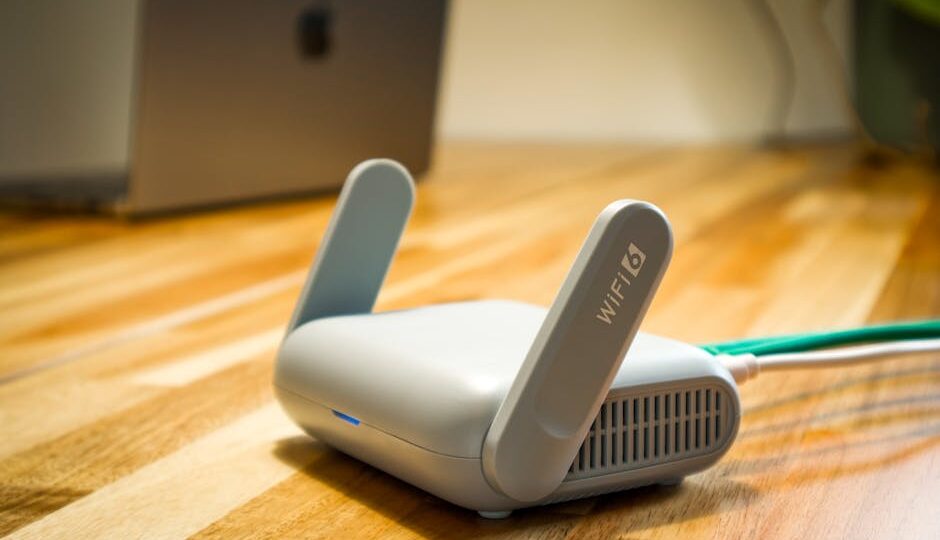
First things first, you’ll need a 5G-compatible router. These devices are crucial for receiving and distributing the 5G signal throughout your home. Popular models from companies like Netgear and TP-Link offer features like WiFi 6 compatibility, MU-MIMO (Multi-User, Multiple-Input, Multiple-Output), and beamforming, ensuring your home enjoys the full capacity of 5G.
When selecting a router, consider the size and layout of your home. Tri-band routers, such as the Netgear Nighthawk RAXE500, offer broader coverage and can handle multiple devices simultaneously, which is ideal for larger homes or those with multiple floors.
Finding the Sweet Spot for Your Router
Placement is everything when it comes to maximizing your 5G network’s potential. Ideally, position your router in a central location, away from thick walls and metal objects, which can disrupt the signal. If possible, place it at a higher level, like on a shelf or mounted on the wall. This helps the signal travel farther and more evenly throughout your home.
Setting Up Network Security
With great speed comes great responsibility. Protecting your 5G network from unauthorized access is paramount. Start by setting a strong password and enabling WPA3 encryption, the latest and most secure WiFi encryption standard. Also, consider enabling network firewalls and using a VPN for an extra layer of security. Your router’s admin panel will guide you through these settings with step-by-step instructions.
Optimizing Your Network
Now that your 5G network is up and running, it’s time to ensure it’s operating at peak performance. Begin by conducting a speed test using apps like Ookla Speedtest to verify your network’s speed. If you notice any bottlenecks, try repositioning the router or consider using mesh WiFi extenders to eliminate dead zones.
Many routers offer Quality of Service (QoS) settings that allow you to prioritize bandwidth for specific devices or applications, ensuring critical functions like video calls or gaming take precedence over less important tasks.
Practical Tips for Maintenance
Maintaining your 5G network’s integrity requires occasional upkeep. Regularly update your router’s firmware to patch vulnerabilities and improve performance. Schedule periodic reboots to clear the cache and refresh connections. Additionally, monitor connected devices and remove any that are unfamiliar, as these could pose security risks.
Lastly, consider subscribing to a reliable internet service provider (ISP) that offers consistent 5G speeds. Providers like Verizon and AT&T are continuously expanding their 5G service areas, making it easier than ever to access blistering fast internet.
Takeaway
Setting up a 5G network at home may seem like a daunting task, but with the right equipment and a little bit of know-how, it can transform your digital lifestyle. By investing in a quality router, ensuring optimal placement, securing your network, and keeping your system updated, you’ll be ready to enjoy all the benefits 5G has to offer. Remember, the digital future is here, and it’s happening right in your living room.